

The Password-Reset Test Nobody Runs
Password reset is the highest-stakes email most products send. It arrives when a user is already frustrated, often locked out, and sometimes worried that someone else is trying to get into their account. Yet it is also the email teams test least. Signup flows are reviewed, polished and measured every week, because they are visible in growth numbers. Password reset is treated as plumbing: it worked once during development, so it is assumed to work forever.
That assumption is risky. A signup failure costs a potential customer. A reset failure can cost an existing one, at exactly the moment trust matters most. If the link does not work, the user is stuck outside their own account, and support becomes their only way back in. For a product with paid accounts, stored work or sensitive data, that is not a minor inconvenience. It is a service failure.
The problem is that reset is hard to test realistically. Developers test it with their own work inbox, on a fast connection, minutes after the code was written. Real users use webmail, mobile apps and corporate filters. They open messages late, request a reset twice because the first message has not arrived, and click links on a different device from the one they used to request them. A test that ignores those habits will pass in staging and fail in production.
What actually breaks
The first common failure is timing. Many reset links expire after fifteen or thirty minutes. That sounds reasonable until mail is delayed. A message can sit in a queue, be held for scanning, or be throttled by a receiving provider. By the time it reaches the inbox, the token may already be dead, or so close to expiry that the user has no margin for a slow connection. The error message then makes things worse: "Invalid link" does not say whether the link expired, was already used, or was replaced by a newer request.
The second failure is token behaviour after a second request. This is normal user behaviour, not abuse. Someone requests a reset, waits, worries, and requests again. Some systems invalidate every earlier token when a new one is issued. That is defensible, but only if the user understands it. If both messages are in the inbox, the older one looks just as valid as the newer one, and clicking it produces another dead end. Teams should decide which behaviour they want, document it, and test that the product actually behaves that way.
The third failure is deliverability, especially on cold inboxes. A reset message from a new domain, a new sending IP, or an infrequently used template can land in spam. The user may never see it, or may find it only after requesting several more resets. Repeated requests can then look like suspicious activity, which can make delivery even less reliable. Testing reset only with an established company inbox hides this completely.
The fourth failure is what happens after a successful reset. A password change should be a security event, not just a form submission. Old sessions should be reviewed and, in most cases, revoked. If a session on another device stays alive, the reset has changed a credential without actually removing access. The legitimate user should also receive a clear confirmation, with guidance on what to do if they did not request it.
A disposable-inbox reset protocol
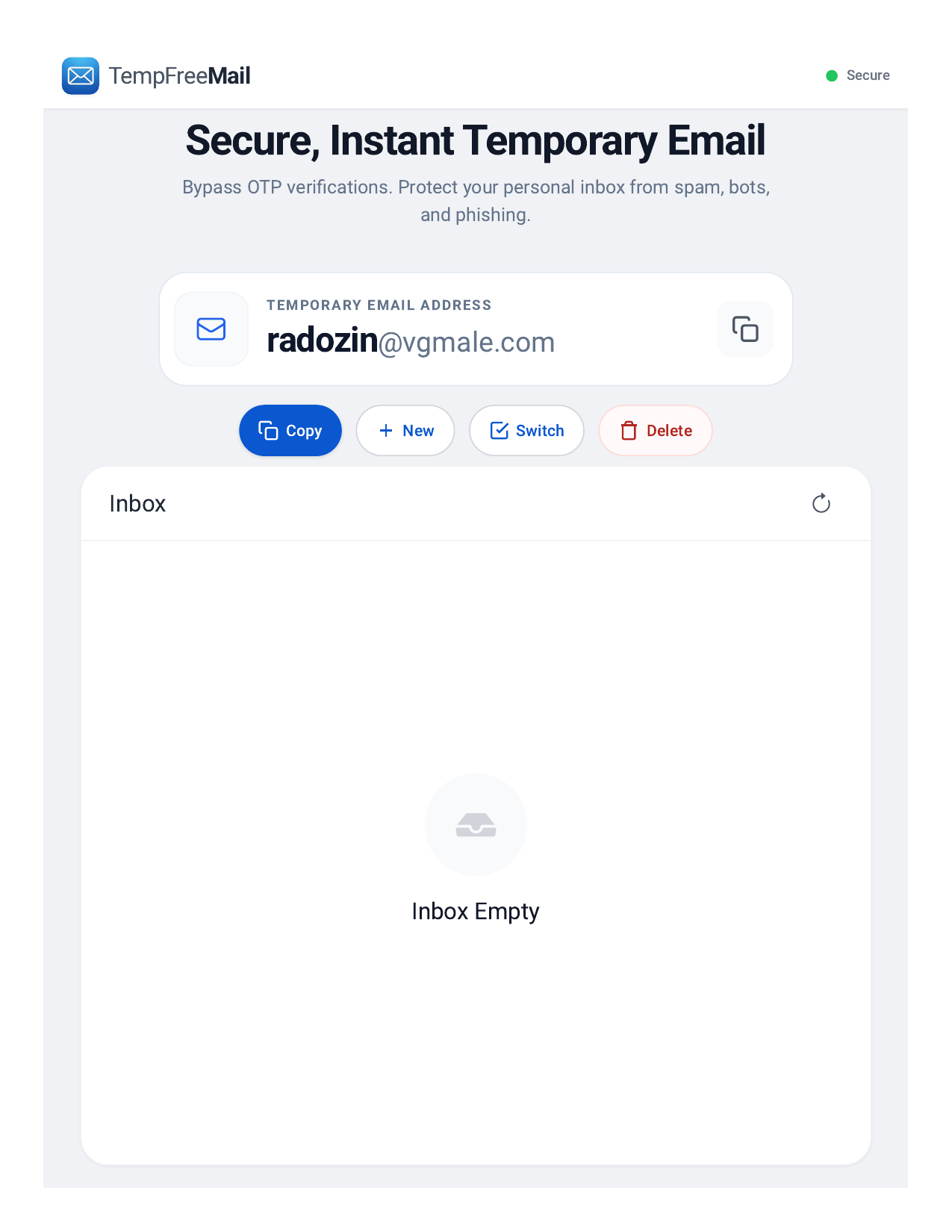
A disposable inbox gives testers a clean, repeatable way to check all of this without polluting a real mailbox or sharing credentials. The point is to start each run as a stranger would, with no history, no allowlisting and no prior trust. A fresh disposable inbox from TempFreeMail is a practical starting point for this kind of run.
Start with a fresh inbox for each run. Do not reuse the same address across tests, because earlier messages, spam-filter learning and cached state can mask a failure. A fresh address also makes it easy to see exactly which messages the product sent, and in what order.
Request the reset and time the arrival. Record when the request was made, when the message arrived, and when the link was clicked. Compare that elapsed time with the token lifetime in the product documentation or code. If delivery routinely takes ten minutes and the token lasts fifteen, the margin is too small.
Follow the link exactly as a stranger would. Open it from the inbox, rather than copying a token from a database or an admin panel. Check the landing page for plain-language guidance. Does it say the link has expired, or only that it is invalid? Does it offer a clear next step, such as requesting a new link?
Then request a second reset and check token behaviour deliberately. Click the older link, then the newer link, and record what each one does. The result should match the product's intended policy. If they are invalidated, the interface should make the newer message easy to identify, for example by a clear instruction to use the most recent email.
Finally, keep the inbox open for the security-confirmation mail that should follow a successful reset. Check whether it arrives, how quickly, and what it says. It should confirm the change, name the account in a recognisable way, and explain how to report the change if it was not requested. It should not contain a new reset link or a password. Keep the test inbox until this step is complete, because deleting it too early is a common reason this check is skipped.
A short pre-release checklist
Before release, confirm: prompt arrival on a fresh inbox; a token lifetime with a realistic margin after normal mail delays; correct behaviour for a second request, with both links tested; specific, helpful errors on the reset page; revocation of other sessions where the policy requires it; and a clear security-confirmation message after the change. If any item cannot be verified, treat it as an open defect, not as an assumption.
Password reset will never be the most exciting feature on a roadmap. That is precisely why it needs a test of its own. Users may forgive a slow dashboard, but they are far less forgiving when they cannot get back into an account they depend on. Test the reset as a stranger, on a cold inbox, with delays and duplicate requests, and the product will be ready for the moment that matters most.
Disclosure: This article is written by Temp FreeMail, founder of TempFreeMail.
About the author
- Temp FreeMail provides free temporary email addresses for testing and privacy.
Comments
Join the discussionNo comments yet. Be the first to comment.