

Testing Email Verification Flows: A Practical Guide for Developers
Disclosure: This guide is written by Temp FreeMail, Founder of TempFreeMail.
Email verification looks simple on a diagram. A user signs up, a message arrives, a link is clicked, and an account becomes active. In practice, that short journey touches forms, databases, mail providers, spam filters, link expiry, device changes, and human impatience. When any step fails silently, users blame the product, support queues grow, and developers are left guessing whether the fault was in the code, the mail service, or the inbox itself. Testing the whole journey properly matters, but the way teams usually test it creates a second set of problems.
The hidden cost of real inboxes
Many teams start by using a personal address, a colleague's address, or a shared team mailbox. That feels quick, and it does prove that a message can leave the system. The trouble begins afterwards. Test messages mix with real work, confirmation links get clicked by the wrong person, and inboxes fill with welcome messages, password resets, and marketing mail that nobody wanted. Worse, a test address that is used once can live on in a database, a mailing list, or a third-party tool long after the test has finished.
Polluted test data is just as damaging. If the same address is reused across dozens of test runs, it becomes impossible to tell whether a new message belongs to the latest run, an old run, or a completely different feature. Developers may mark a test as passed because they found an old message, or fail a good build because they were looking at the wrong inbox. Clean, isolated data is not a luxury in verification testing; it is the difference between a result you can trust and a result that merely looks reassuring.
There is also a privacy and consent problem. A real address used for testing may start receiving product updates, newsletters, or partner messages, even though its owner never signed up as a customer. That is unfair to the person behind the address, and it can create awkward support conversations when they ask why they are receiving mail they did not request. Using a disposable address keeps test traffic where it belongs: inside the test, under the tester's control, and easy to discard when the work is done.
The disposable-inbox method
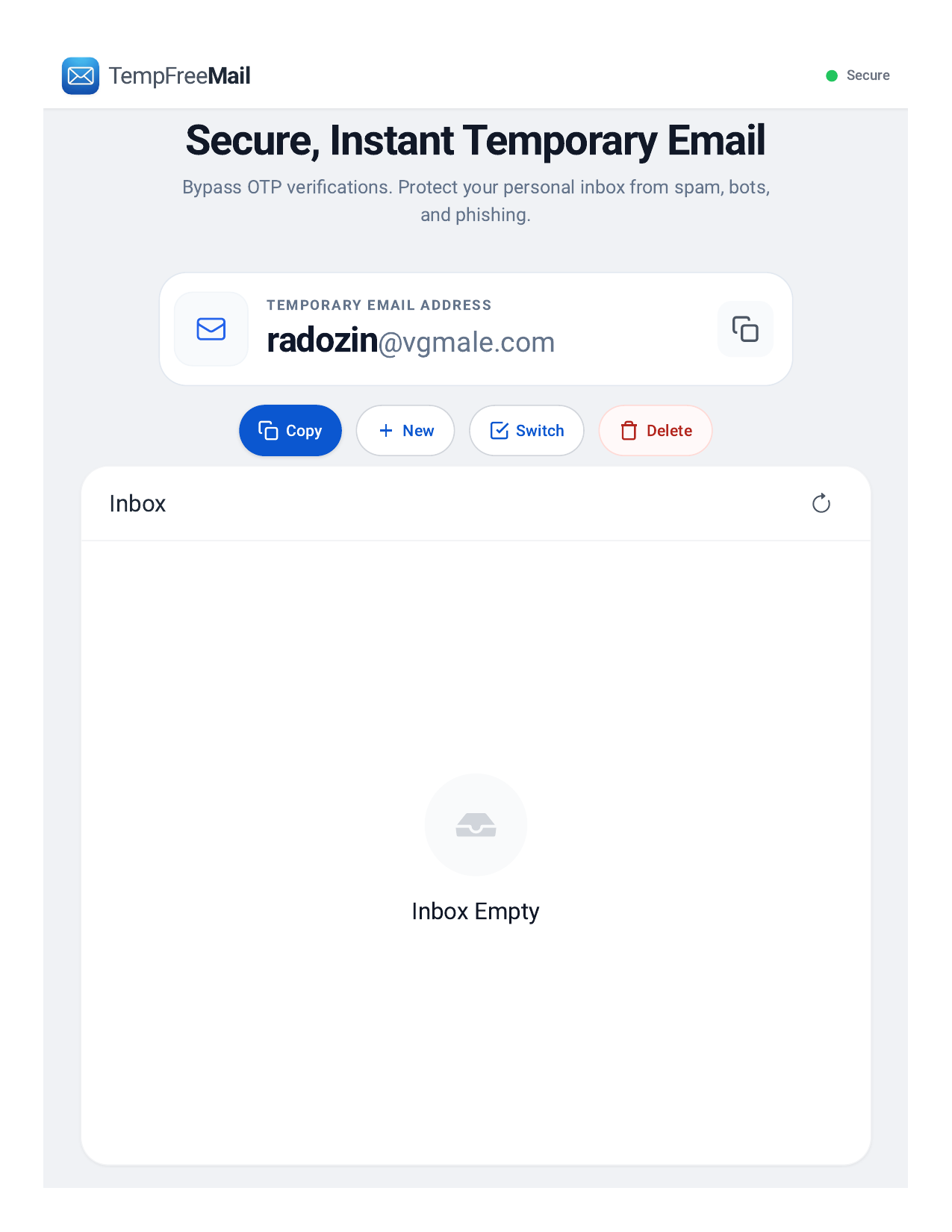
The disposable-inbox method is deliberately simple. For each test run, create one fresh inbox and use it for that run only. Record the address with the test result, so a later reviewer can see exactly which inbox received which message. When the run ends, the inbox can be kept for a short follow-up period or deleted, depending on whether delayed mail still needs to be checked. The key discipline is separation: one run, one inbox, one clear trail.
A fresh inbox also makes failures easier to reproduce. If a verification message does not arrive, you know the problem is not an old message, a full inbox, or a filter rule created during an earlier test. If it arrives late, you can measure that delay honestly, because the inbox was empty when the test started. If the link has already expired, the timing is visible rather than hidden behind someone else's earlier click.
Keeping the inbox alive matters more than many teams expect. Some messages arrive immediately, while others are delayed by greylisting, provider queues, or retry attempts after a temporary failure. A short-lived inbox that disappears after a few minutes can make a slow system look broken, or hide a second message that arrives later. A persistent disposable inbox, kept open until the test and any reasonable follow-up have finished, gives delayed mail a fair chance to arrive without turning the test address into a permanent personal mailbox.
Test the full journey, not just the first message
Signup is only the beginning. A complete verification test should follow the same user through the whole journey: register, open the verification message, follow the link, confirm that the account state changes, and then sign in again. It should also check what happens when the link is used twice, when it has expired, and when a user requests a new link before using the old one. Each of those paths is a real user behaviour, and each can expose a different bug.
Password reset deserves the same care. Request a reset from the same fresh inbox, check that the reset message is separate from the signup message, and confirm that the old password no longer works after the change. Test the case where a reset is requested for an address that has no account, and make sure the response does not reveal whether that account exists. These checks protect users, and they are much easier to run honestly when each test starts from a clean inbox.
Do not forget the less visible parts of the journey. Check the sender name, subject line, and plain-text version of each message, as well as the main formatted version. Confirm that links are correct, that they do not contain another user's token, and that the message is readable without images. A verification flow that works only in one mail client, or only when images are loaded, will fail for a meaningful share of real users.
A short checklist
- Use one fresh disposable inbox for each test run.
- Record the address, time, and result together.
- Check signup, verification, sign-in, and password reset.
- Try expired, reused, and replaced links.
- Keep the inbox open for delayed messages.
- Delete or retire the inbox when testing ends.
Safety notes: where disposable addresses do not belong
Disposable addresses are a testing tool, not a substitute for a real account. Never use them for banking, for accounts that hold money, for government services, or for any account you must be able to recover later. Never use them for paid production accounts, for medical or legal correspondence, or for anything where losing access would cause real harm. If an account matters in the long term, it needs an address you control, a recovery method you can use, and a password you can manage safely.
Used well, disposable inboxes make verification testing faster, cleaner, and more honest. They remove the noise of shared mailboxes, give each test a clear starting point, and let developers see the full journey from signup to password reset. They also draw a useful line: test accounts should be easy to create and easy to discard, while real accounts should be protected with care.
About the author
- Temp FreeMail provides free temporary email addresses for testing and privacy.
Comments
Join the discussionNo comments yet. Be the first to comment.